What is vibe coding, and how does it work? Learn how to build apps using natural language, write better AI coding prompts, test generated code, and avoid common mistakes.
Not long ago, building an app usually meant learning a programming language, choosing a framework, and writing plenty of code.
Today, you can describe what you want in plain English and ask an AI coding tool to build a working prototype.
For example:
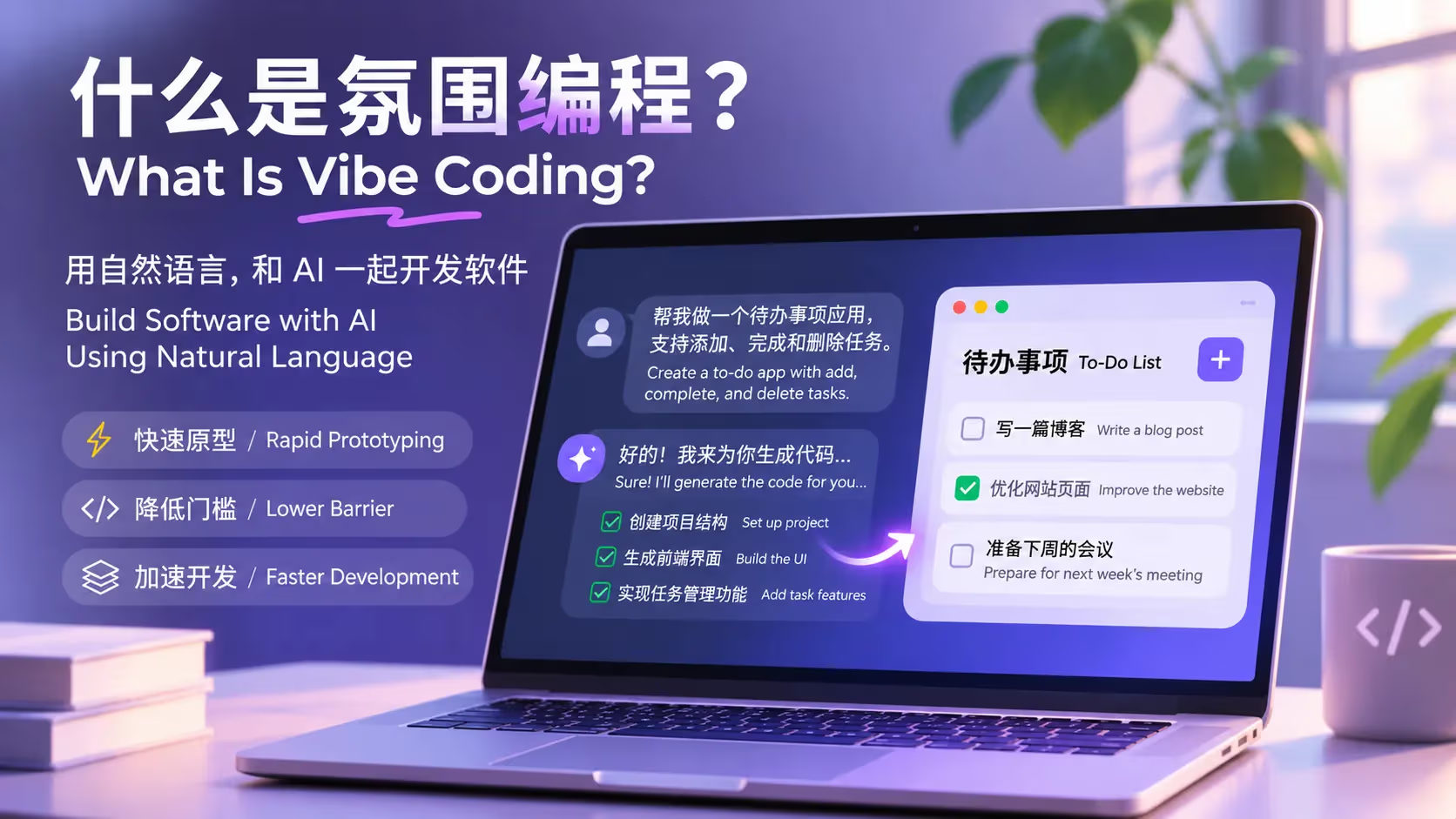
"Create a simple to-do app where I can add tasks, mark them as completed, and save everything locally."
An AI tool may generate the initial application in just a few minutes.
This approach is commonly known as vibe coding.
But there's an important difference between generating code and building reliable software. Understanding that difference can save you a lot of frustration.
What Exactly Is Vibe Coding?
Vibe coding is an approach to software development where you describe what you want in natural language and let AI generate or modify the code.
The term became popular in 2025.
Instead of writing every function yourself, you guide the AI through instructions, test what it creates, and request changes.
Imagine you want a personal expense tracker.
You might start with:
"Build a simple expense tracker that records income and expenses, shows monthly totals, and saves data in the browser. No login or backend required."
The AI generates the application.
Then you can ask:
"Show income in green, expenses in red, and add a chart for the last seven days."
This creates a development process built around conversation, experimentation, and feedback.
Strictly speaking, vibe coding emphasizes rapid iteration without necessarily inspecting every line of code. When developers carefully review architecture, tests, and implementation details, the process is better described as structured AI-assisted development.
How to Start Vibe Coding
Let's use a basic to-do app as an example.
Step 1: Describe Your Requirements Clearly
A vague prompt like "Build me a to-do app" leaves too many decisions to the AI.
A more useful prompt would be:
Create a responsive to-do web app with three features: add tasks, mark tasks as completed, and delete tasks. Store data in the browser using local storage. Do not add authentication or a backend.
This tells the AI exactly what the application should do and what it should avoid.
Clear requirements usually produce more predictable results.
Step 2: Build the Smallest Working Version
Don't try to generate an entire product in one request.
Start with the essential features:
- Add a task.
- Complete a task.
- Delete a task.
Once those features work, you can add search, categories, filters, or statistics.
Building in small steps makes bugs easier to identify and reduces unnecessary complexity.
Step 3: Run and Test the Application
Never assume that generated code works correctly just because the interface looks good.
Try adding an empty task.
Refresh the browser and check whether saved tasks remain.
Test the application on a smaller screen.
Click buttons repeatedly and see whether anything breaks.
These simple checks often reveal issues that aren't obvious from looking at the code.
Step 4: Make Small, Specific Changes
Suppose your app works on desktop but has layout problems on mobile.
Instead of asking the AI to redesign everything, try:
The page has horizontal scrolling on mobile. Identify the layout issue and fix it without changing existing application logic.
This gives the AI a clear problem, a defined scope, and an important restriction.
Specific instructions generally make changes easier to review and verify.
What Can You Build with Vibe Coding?
Vibe coding works particularly well for projects with clear requirements and results that are easy to test.
Personal productivity tools
To-do lists, countdown timers, expense trackers, and simple file converters are good starting points.
Websites and prototypes
You can quickly create landing pages, dashboards, or interactive prototypes to explore a product idea.
Data visualization tools
AI can help turn structured data into charts, reports, and simple internal dashboards.
Repetitive development tasks
Experienced developers can use AI to generate forms, API integration code, tests, and common interface components.
However, applications involving payments, sensitive personal data, financial transactions, or complex permissions require much more careful review.
A working interface doesn't automatically mean the application is secure.
Why Does Vibe Coding Sometimes Become Messy?
The first few prompts can feel incredibly productive.
But as a project grows, things can become frustrating.
You fix one bug and introduce another. A small interface change unexpectedly affects unrelated features. Eventually, even the AI seems confused about how the application works.
This usually happens for a few reasons.
Unclear requirements: The AI keeps adding features that weren't originally planned.
No version control: There's no reliable way to return to a working version.
Too many changes at once: Large modifications make it harder to identify what caused a problem.
Insufficient testing: Developers assume that visually correct results are functionally correct.
The solution is to work in smaller steps, test regularly, and save stable versions using Git.
For production applications, code review, automated testing, and security checks are still essential.
Is Vibe Coding Useful for Experienced Developers?
Absolutely.
For experienced developers, AI coding tools are especially valuable for reducing repetitive work and accelerating experimentation.
You can use them to create prototypes, generate test cases, refactor code, or explore implementation options.
But important decisions about architecture, performance, security, and maintainability still require engineering judgment.
This becomes especially important in large codebases, where an AI tool may not fully understand every dependency or project convention.
The best approach isn't necessarily to stop reading code.
It's to use AI as a capable development assistant while keeping control over the decisions that matter.
Vibe coding makes software development more accessible. Beginners can turn ideas into working prototypes, while experienced developers can spend less time on repetitive implementation.
But the fundamentals haven't disappeared.
Clear requirements, reliable code, and proper testing still determine whether an application is genuinely useful.